How to Choose Hospital Management Software in Uganda

Last year, a 50-bed hospital in Kampala switched from paper registers to a digital system. Within three months, the billing department discovered that nearly 15 per cent of patient invoices had gone uncollected under the old approach — not because patients refused to pay, but because handwritten records simply fell through the cracks. That hospital now recovers those funds automatically. The difference was not magic; it was the right software.
If you run a clinic or hospital in Uganda, you have likely heard the pitch from half a dozen software vendors. Each one promises to solve all your problems. But choosing hospital management software is not like buying a new phone — a wrong decision can cost you years of wasted effort, frustrated staff, and lost revenue. This guide will help you ask the right questions before you sign anything.
Why the Decision Matters More Than You Think
Hospital management software touches every department: reception, consultations, pharmacy, laboratory, billing, and reporting. When it works well, patients move through your facility faster, your staff spend less time on paperwork, and your financial records stay accurate. When it fails, every department feels the pain.
In Uganda and across East Africa, the stakes are even higher. The Ministry of Health requires monthly HMIS 105 reports submitted to DHIS2. Insurance companies like the National Health Insurance Scheme demand electronic claims. Patients increasingly expect mobile money payment options. Your software must handle all of this — not just appointments and prescriptions.
Start With Your Facility's Actual Needs
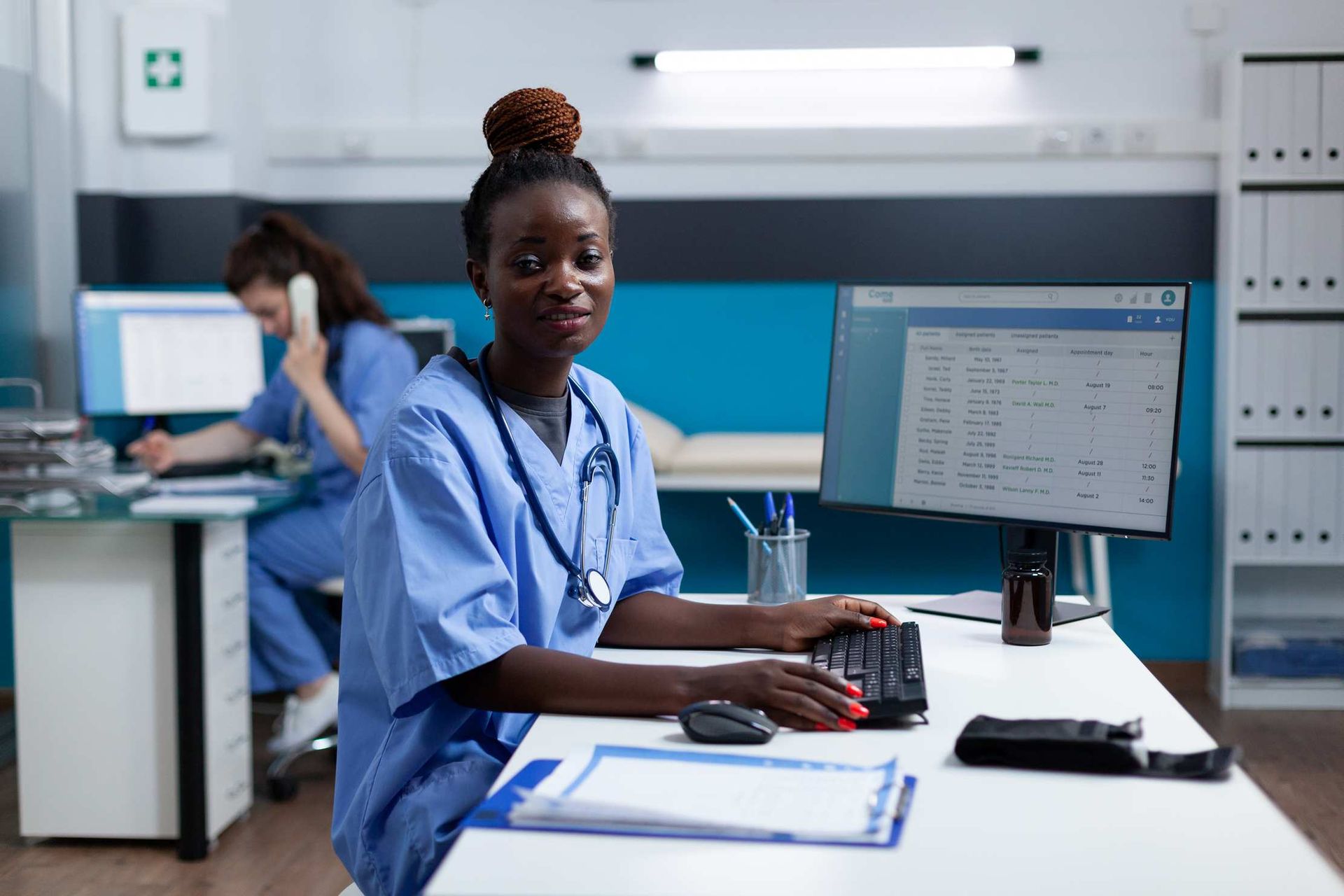
Before you look at any product, sit down with your department heads and list every workflow that currently runs on paper or spreadsheets. Be specific. Do not write "billing" — write "generating invoices for outpatient visits, tracking partial payments, reconciling mobile money receipts, and producing end-of-day financial summaries."
This exercise will produce a long list, and that is the point. You need a clear picture of what the software must do on day one versus what can wait. Most facilities find that their core needs fall into five areas:
- Patient registration and records — storing demographics, visit history, and clinical notes in one place
- Clinical workflows — consultations, prescriptions, laboratory orders, and results
- Billing and payments — invoicing, insurance claims, mobile money, and cash tracking
- Pharmacy and inventory — stock levels, dispensing, expiry tracking, and reorder alerts
- Reporting — HMIS 105, financial summaries, and operational dashboards
Rank these by urgency. A small clinic may need billing sorted first; a hospital preparing for accreditation may prioritise clinical records.
The Continuity Question: Non-Negotiable in East Africa
Here is where many imported systems fall short. If your software requires a constant internet connection to function, you will lose access to patient records every time the power goes out or your ISP has a bad day — and in Uganda, that happens more often than any of us would like.
Ask every vendor the same question: "What happens when the internet drops for four hours during a busy Monday morning?" If the answer involves your staff staring at loading screens, move on. Good hospital software should keep the most important workflows usable during interruptions and synchronise data once the connection returns.
HMIS Compliance: Not Optional
Every health facility in Uganda must submit HMIS 105 reports to the Ministry of Health through DHIS2. If your software cannot auto-generate these reports from your clinical data, your staff will spend days at the end of each month manually tallying numbers from one system and entering them into another.
The best systems collect HMIS-relevant data points as part of normal clinical workflows. When a clinician records a malaria diagnosis during a consultation, that data point automatically feeds into the HMIS 105 report for that month. No double entry. No tallying. No errors.
Ask to see a demo of the HMIS reporting module. Watch the entire flow from clinical entry to final report. If the vendor cannot show you this, it probably does not exist yet.
Mobile Money Integration: Meeting Patients Where They Are
Cash handling is a headache for every health facility. Money goes missing, change is unavailable, and reconciliation takes hours. Meanwhile, your patients already use MTN MoMo and Airtel Money for everything from buying airtime to paying school fees.
Your software should support mobile money payments natively — not as an afterthought bolted on with a separate app. When a patient pays via mobile money, the payment should automatically appear against their invoice in the system, with the transaction reference recorded. This eliminates manual reconciliation and reduces disputes.
User-Friendliness: Your Staff Are the Real Test
A system packed with features means nothing if your nurses and receptionists cannot use it. During your evaluation, do not just watch the sales demo — ask to put the software in front of your least tech-savvy staff member. Watch them try to register a patient, create an invoice, and look up a lab result.
If they struggle, your whole team will struggle. Good software should feel intuitive after a brief orientation, not after a two-week training course. Look for clear navigation, readable fonts, and minimal clicks to complete common tasks.
Data Security and Patient Privacy
Patient data is sensitive. Full stop. Your software must include role-based access controls so that a receptionist cannot view clinical notes and a pharmacist cannot modify billing records. Data should be encrypted both in storage and during transmission.
Ask about backup procedures. If the server fails, how quickly can you restore your data? Where are backups stored? How often do they run? A vendor who cannot answer these questions clearly has not thought seriously about your data safety.
Total Cost of Ownership: Look Beyond the Price Tag
The cheapest software is rarely the cheapest option. Consider these costs over a three-year period:
- Licence or subscription fees — monthly, annual, or one-time
- Implementation and setup — data migration, configuration, initial training
- Hardware requirements — servers, tablets, printers, network equipment
- Ongoing support — help desk, software updates, bug fixes
- Staff time for training — both initial and for new hires
A system that costs more upfront but includes local support, regular updates, and comprehensive training may save you far more than a cheap option that leaves you stranded when something breaks.
Local Support: Can You Reach Someone Who Understands Your Context?
When your billing module freezes on a Friday afternoon and you have 40 patients in the waiting room, you need someone who picks up the phone. Not a chatbot. Not a ticket system that promises a response within 48 hours.
Ask where the support team is based. Can they visit your facility if needed? Do they understand Uganda's healthcare regulations, insurance schemes, and reporting requirements? A vendor based in Kampala who knows the difference between HMIS 105 and HMIS 033b will serve you better than a multinational with a call centre in another continent.
Your Checklist Before You Decide
Before signing any contract, confirm the following:
- Critical workflows remain usable during connectivity interruptions and sync when service returns
- HMIS 105 reports generate automatically from clinical data
- Mobile money payments (MTN MoMo and Airtel Money) are integrated
- Role-based access controls protect patient data
- The interface is usable by staff with basic computer skills
- Local, responsive support is available
- The vendor can provide references from similar facilities in Uganda
- A clear data migration plan exists for your current records
- The total cost over three years fits your budget
Take the Next Step
Choosing hospital management software is one of the most important decisions a health facility makes. Take your time, involve your team, and insist on seeing the system in action before you commit.
If you would like to see how Medic8 handles the challenges outlined above — operational continuity, HMIS reporting, mobile money, and more — we are happy to arrange a personalised demonstration for your facility.
Ready to see Medic8 in action?
Book a free, no-obligation demo tailored to your facility's needs.
Request a Demo